

Best Web Conferencing Tools for Educational Institutes
- September 30, 2021
- Posted by: Meet Shah
- Categories: Blogs, Industries
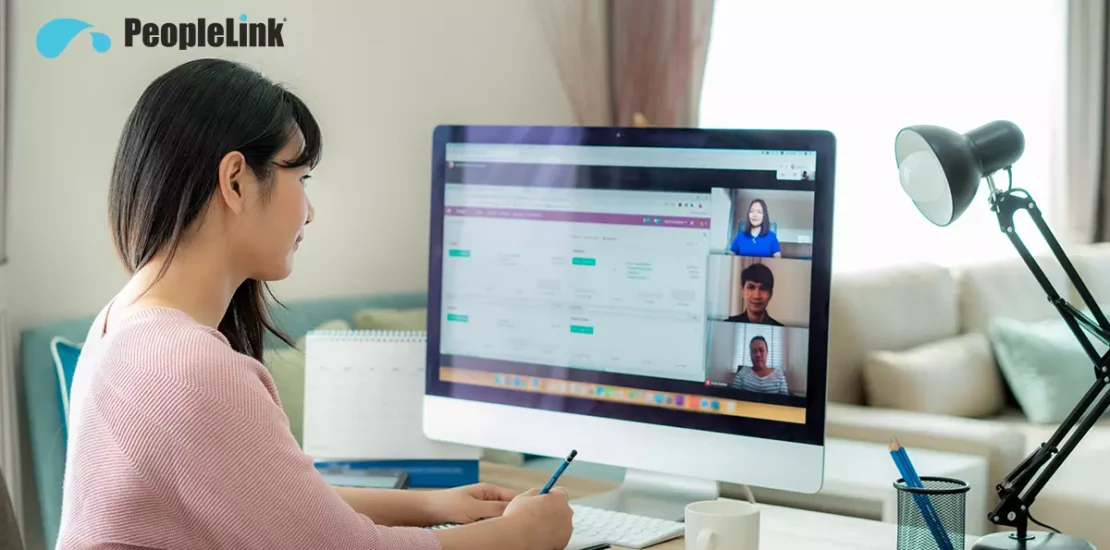
Quick answer: Smart classroom and virtual classroom technology brings interactive displays, tracking cameras, clear audio, and classroom software together so teaching reaches students in the room and at a distance. It matters because it widens access and improves engagement. PeopleLink delivers complete classroom solutions, hardware and the inClass classroom platform, as a single OEM.
Connecting with eLearning teams remotely and hosting frequent web conferences and events can become tedious for educational institutes. So, investing in a good web conferencing tool can help. There are plenty of web conferencing tools for education available these days with different features, functions, and price ranges. But choosing the right tool is vital. Let us learn more about web conferencing and PeopleLink web conferencing solutions for the education sector. What is Web Conferencing? Web-based technology called WebRTC (Web Real-Time Communication) has redefined the term “video conferencing” and revolutionized it as web conferencing. Web conferencing or web-based video conferencing creates a conferencing platform on your web browser. It makes the process of connecting into a video conferencing meeting very simple and easy. It allows you to directly join a meeting via web browsers like Google Chrome, Microsoft Edge, Internet Explorer, Safari, etc., doing away with the need to download any software application or plugin. PeopleLink: One of the Best Web Conferencing Tools for Education PeopleLink is a budget-friendly alternative that offers attractive web conferencing features and functions with great flexibility. Setting up PeopleLink web conferencing in your meeting rooms can be done very quickly. It is relatively inexpensive as compared to the legacy web conferencing methods. So, whether you want to collaborate with colleagues and offer learners personalized support or organize virtual training events and live webinars, the PeopleLink solution is the best! It provides you all the advanced features you need, combined with a user-friendly interface, at an affordable pricing model. At PeopleLink, we provide options to integrate video conferencing into your organization’s applications using API Integration. So, you are just one click away from connecting to your video meetings! All you need to do is create a free account, and you are ready to start your web conference meetings. You can start your video meetings from any device, including mobile, desktop, laptop, private meeting room, or a large conference room set up. Web Conferencing Features: PeopleLink web conferencing tools for education provide the following advanced features: Collaboration Tools:
- Share Options: Screen share, Document share, Presentation share, or Application share
- Interactive whiteboard with stylus and mouse inputs to draw shapes and write text
- Group Chat
- Conduct User Polls with poll question creation and moderation options
- Make anyone host in just one click
- Switchable auto layout and full-screen conference modes
- Recording option for all your meetings
- Local self-mute
- Remote participant mute for moderator
- Guest invite: One-click invitation link via email from the web conferencing system
Enterprise-Grade Security Features:
- Complies to Advanced Encryption Standard (AES)
- Wireless security protocol to secure video feeds
- Secure Real-Time Transport Protocol (SRTP) for adding security features like message authentication, replay protection, etc.
- Built-in Cross-Site Request Forgery (CSRF) protection
Customer Support Services:
- Hardware and software Troubleshoot capabilities, Troubleshoot microphone, camera, audio, network, connectivity, etc.
- Multi-language support at the Application level
- Cloud-based Issue Ticketing system
- Offline customer care support
- Video conferencing user feedback, options to create surveys
Low Bandwidth Operability:
- Start/attend conference on the go
- Works perfectly in remote areas
Click here to read more about web-based conferencing features. Conclusion: PeopleLink closely monitors user needs and accordingly creates customized video conferencing or web conferencing tools for education. We do comprehensive research and analysis of the market trends to build new solutions or add more features to the existing solutions, which are user-friendly and cost-effective. PeopleLink provides different video conferencing solutions, including hardware, software, and web-based video conferencing solutions for education. If you are looking for the best web conferencing tool for your educational institute, send an email to vc@peoplelinkvc.com or WhatsApp message on +91 9100123013 today!
Modernizing classrooms? Explore PeopleLink’s virtual classroom solutions and education solutions.

Frequently Asked Questions
What makes a classroom a smart classroom?
A smart classroom combines an interactive display, a teacher and student tracking camera, clear room audio, and classroom software for content, capture, and management. Together these support in-person, remote, and recorded learning from one room.
How does technology support distance and hybrid learning?
Tracking cameras and room audio let remote students see and hear the class clearly, while classroom software shares content and records lectures for later review. PeopleLink supplies the cameras, audio, displays, and the inClass platform to enable this.
What does an institution need to start?
Most institutions begin with one or two model classrooms that combine a panel, a tracking camera, and room audio, then repeat that build across rooms and campuses for consistency. PeopleLink supports this phased approach.
| Classroom approach | Smart classroom | Traditional classroom |
|---|---|---|
| Reach | In-room, remote, and recorded | In-room only |
| Content | Digital, shareable, saved | Board and print |
| Lecture capture | Built in with tracking camera | Not available |
| Consistency across campuses | Repeatable standard build | Varies by room |
Ready to upgrade your rooms?
See PeopleLink’s AV and Unified Communications solutions in action, or get pricing built around your needs.