

- November 23, 2026
- Posted by: Damanjeet Kaur
- Categories: AV-Tech, Blogs
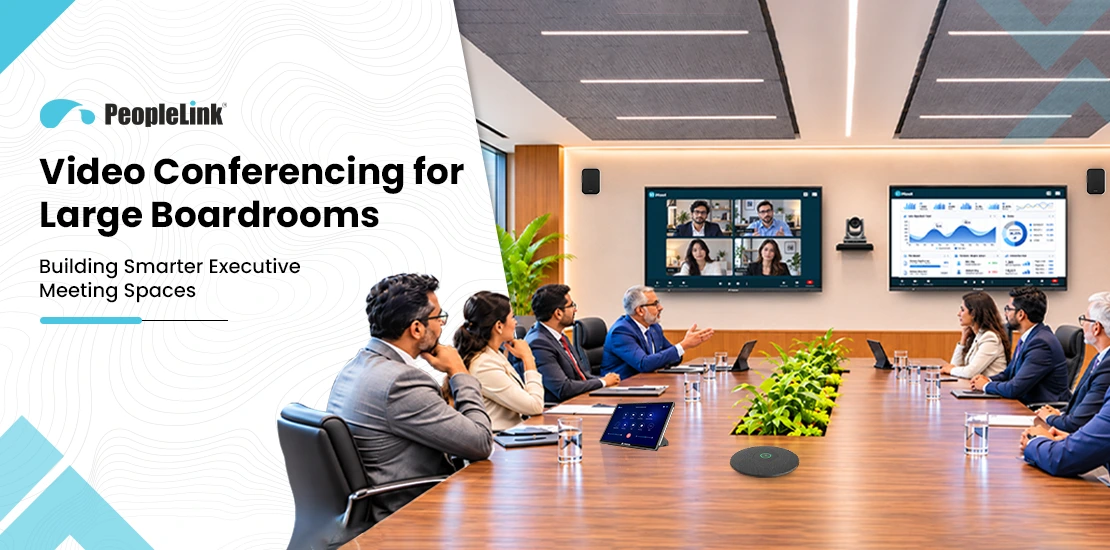
Introduction: The Evolution of Executive Boardrooms
For decades, the corporate boardroom functioned as a closed, physical sanctum. Major strategic decisions, quarterly reviews, and stakeholder negotiations took place around a single mahogany table, with every decision-maker physically present. Today, that dynamic has fundamentally shifted. With distributed leadership teams, global supply chains, and permanent hybrid work models, modern executive meetings rarely take place exclusively within four walls.
Whether a regional director dials in from across the globe or a board member joins remotely while traveling, video conferencing for large boardrooms has become mission-critical infrastructure. Yet many organizations still rely on patchwork audio-visual (AV) setups designed for smaller huddle spaces, resulting in grainy wide-angle views, muffled voices from the far end of the table, and wasted time troubleshooting cables before high-stakes calls.
You can’t just turn a standard conference room into a smart executive room by adding a bigger screen. You need technology that’s specifically designed for executive meetings. The technology needs to let people in the room connect with those joining remotely, with excellent video and audio, simple controls, and reliable collaboration.
Section 1: Why Large Boardrooms Need Advanced Video Conferencing Solutions
Expanding video meetings from a small huddle room out to a large boardroom with 20 seats presents a whole new set of audio and visual challenges. Standard webcams and speakerphones simply won’t cut it in that situation. If you don’t have a proper video conferencing solution for large rooms, you’re going to run into a number of problems.
- Uneven Camera Coverage Across Large Spaces: A single fixed wide-angle lens placed at the front of a 30-foot room makes participants seated at the far end appear tiny and indistinguishable, while those closest to the screen dominate the frame.
- Difficulty Capturing Every Participant Clearly: Non-verbal cues like nods, hesitation, and facial expressions matter in executive meetings. If remote attendees can’t see these clearly, important context is missed.
- Poor Audio Pickup from Distant Participants: Standard microphones lose vocal clarity rapidly as distance increases. Executives seated at the back of a long table often sound hollow, distant, or completely inaudible to remote callers.
- Background Noise and Overlapping Conversations: Large rooms with glass walls, hard ceilings, and HVAC systems can make sound bounce around. When several people talk at once or shuffle papers, microphones that aren’t set up well pick up distracting noise instead of clear voices.
- Remote Participants Feeling Disconnected: If remote participants can’t see who is talking or hear side conversations, they become passive instead of active in the meeting. This creates an uneven dynamic and makes it harder to reach decisions.
- Complex Setups and Technology Integration: Boardrooms with too many remotes, tangled cables, and disconnected audio systems often cause delays. Senior leaders may have to wait for IT help before meetings can start.
Section 2: Essential Technologies for a Smart Boardroom
To address those space and technology issues, you need a system where the video, audio, displays, and software work together. Here are the key components of a modern smart boardroom solution and how they actually work in a real executive meeting.
PTZ Cameras: Precision Framing Across Expansive Rooms
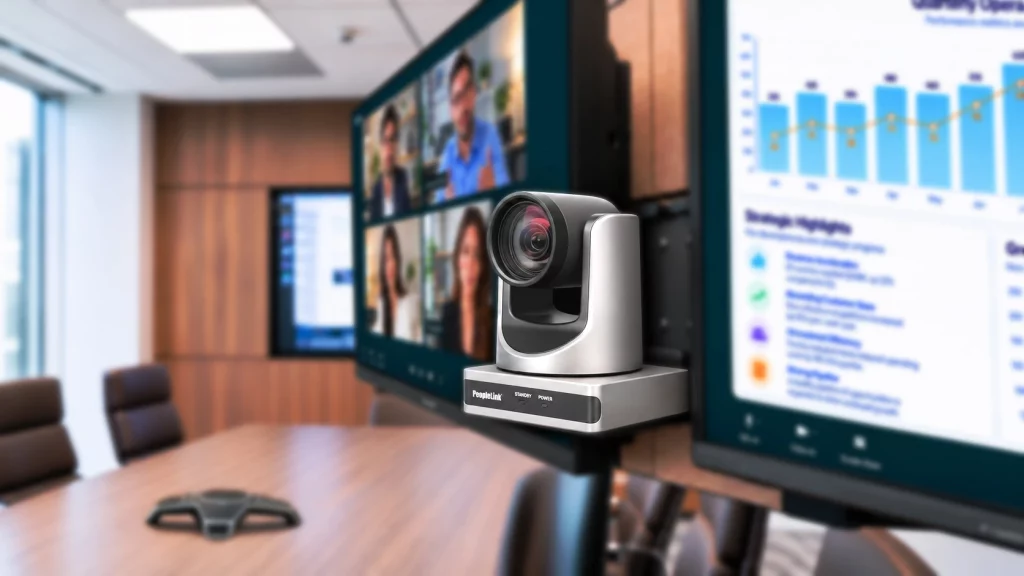
Pan-Tilt-Zoom (PTZ) cameras for conference rooms are the visual keystone of the large executive space. They’re not fixed lenses. They pan (move horizontally), tilt (move vertically), and offer lossless optical zoom so that you can get a sharp close-up of a person sitting 25 or 30 feet away without pixelation.
- Practical Use Case: During a quarterly financial review, an IT administrator or meeting host can recall camera presets with a single touch, instantly shifting the view from a wide shot of the entire board table to a tight, clear frame of the CFO presenting from the far end of the room.
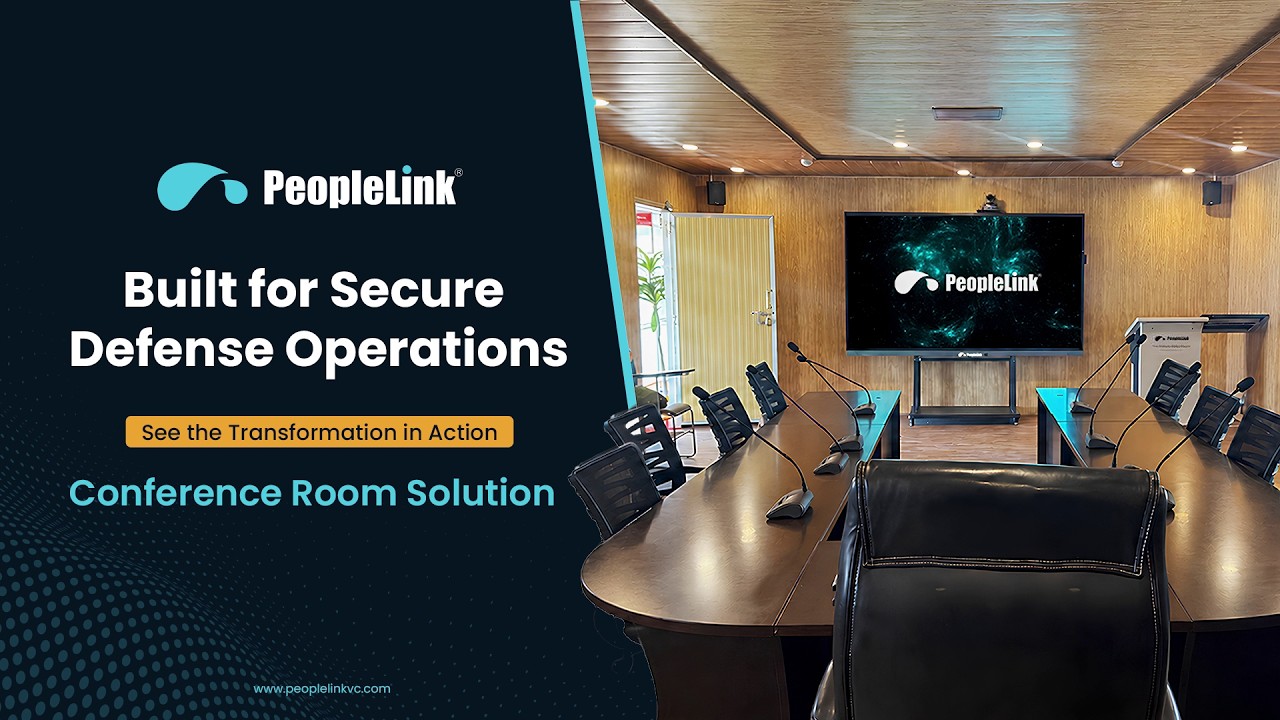
AI-Powered Tracking Cameras: Automated Focus Without Manual Control
PTZ cameras will help to cover distance, but AI provides the automation. AI video conferencing cameras will use voice and face recognition to determine who is speaking and automatically pan and tilt to follow that person in real time.
- Practical use case: In a high-energy executive roundtable where the C-suite debates a product launch from opposite ends of the table, intelligent speaker tracking will automatically focus on the speaker who is currently talking and seamlessly switch when someone else speaks. It gives the remote attendees the feel of watching a TV broadcast with no need for a camera operator. The same applies to presenter tracking where the speaker is walking around a whiteboard or podium.
Professional Audio Solutions: Crystal-Clear Speech in Challenging Acoustics
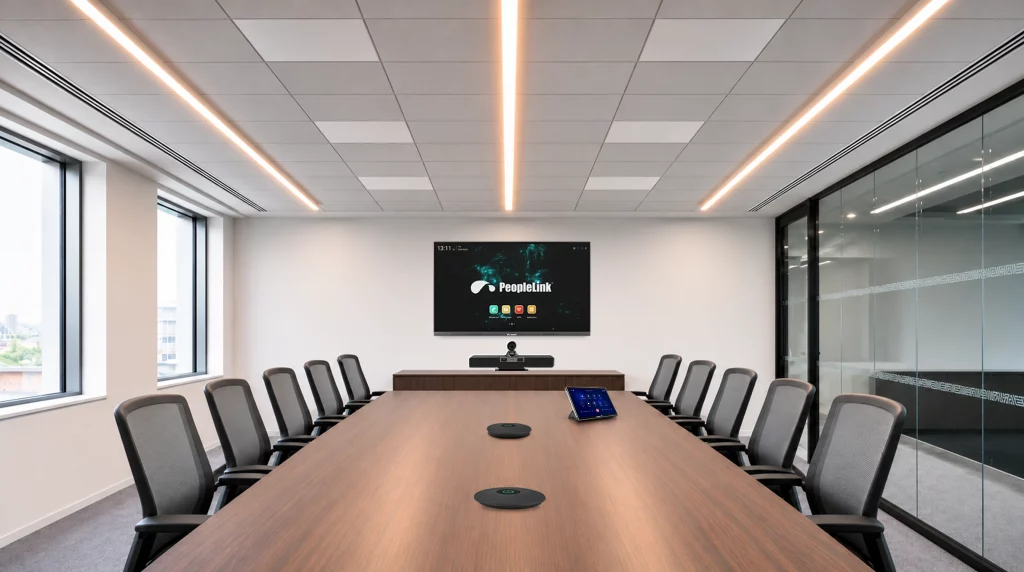
In enterprise communication, audio quality is arguably more critical than video; executives will tolerate a brief dip in video resolution, but broken or echoing audio brings a meeting to a halt. Professional audio conferencing solutions replace single tabletop units with networked ceiling microphone arrays, beamforming boundary mics, and dedicated Digital Signal Processors (DSPs).
Practical Use Case: A beamforming ceiling microphone array focuses virtual pickup lobes directly onto active speakers while ignoring noise from ceiling vents or footsteps. Paired with acoustic echo cancellation (AEC) and AI-driven noise suppression, a CEO speaking softly from the corner of a glass-walled boardroom is heard just as clearly as someone seated directly beneath the microphone.
High-Quality Displays: High-Visibility Collaboration Canvases
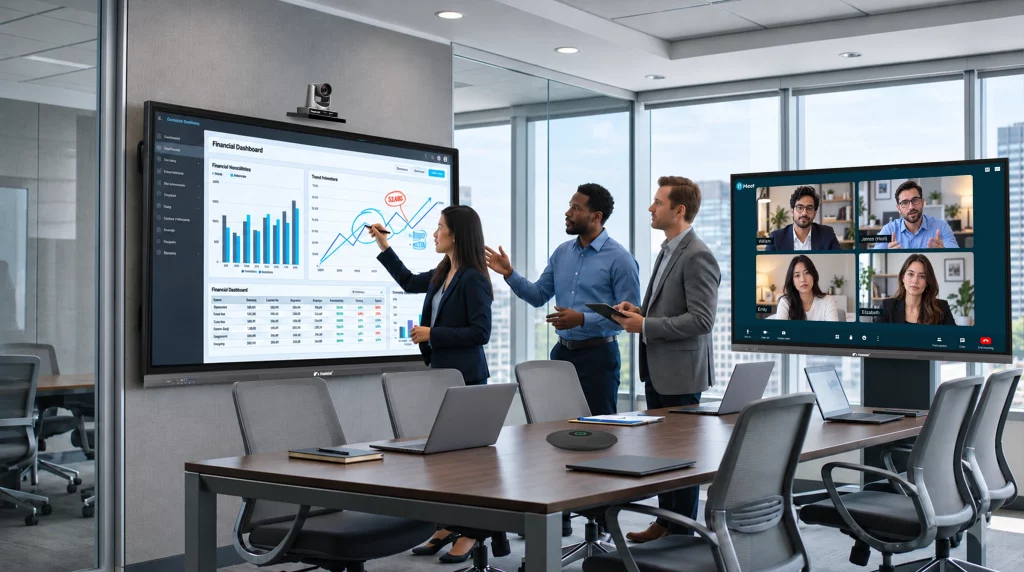
Large boardrooms require display real estate proportionate to the furthest viewer’s distance. Dual large-format commercial displays or ultra-wide 4K Interactive panels allow teams to view remote participants on one screen while reviewing complex financial models, CAD drawings, or strategic roadmaps on the other.
- Practical Use Case: During a global mergers-and-acquisitions briefing, board members use a large-format interactive display to annotate live contract clauses and financial charts, while remote legal counsel sees every markup instantly in ultra-high definition.
Video Conferencing Software: The Collaboration Engine
Hardware works best when paired with the right software. Enterprise video platforms like InstaVC offer secure, fast connections that link boardroom AV equipment with users on desktops and mobile devices in offices worldwide.
- Practical Use Case: An enterprise hosts an all-hands leadership sync combining three physical boardrooms and forty remote managers. Through a unified collaboration platform, hosts manage participant permissions, share high-frame-rate content without lag, and maintain end-to-end encryption for confidential discussions.
Unified AV Integration: Bringing Every Component Together
A key feature of good boardroom AV systems is that everything works smoothly together. Instead of separate devices, cameras, microphones, processors, displays, and control panels all connect over the company network.
- Practical Use Case: An executive walks into the boardroom and taps “Join Meeting” on a tabletop touch controller. Automatically, the lights dim to presentation mode, the dual displays power on, the PTZ camera frames the table, the ceiling mics activate, and the video call connects, eliminating technical friction.
Section 3: Key Features to Consider When Choosing a Boardroom Video Conferencing System
Section 4: How to Design an Effective Video Conferencing Setup for Large Boardrooms
Section 5: Benefits of Building Smarter Executive Meeting Spaces
Investing in meeting room solutions designed for hybrid work brings clear operational and strategic benefits to the whole company:
- Better Executive Communication: High-definition optics and full-band audio ensure subtle vocal inflections and facial expressions translate accurately across borders.
- Improved Hybrid Meeting Experiences: Meeting equity becomes a reality when remote executives are seen and heard on equal footing with in-room colleagues.
- More Productive Decision-Making: When leaders aren’t repeating themselves or squinting at unreadable shared spreadsheets, discussions stay focused on strategy and execution.
- Greater Engagement from Remote Participants: Dynamic speaker framing keeps remote attendees visually anchored to the conversation, reducing meeting fatigue and multitasking.
- Reduced Meeting Setup Complexity: Automated room wake-up, wireless presentation, and one-touch call joins reclaim valuable executive minutes previously lost to technical troubleshooting.
- Improved Collaboration Across Global Offices: Having the same boardroom setup in all offices gives traveling executives a consistent and familiar experience.
Section 6: Common Mistakes to Avoid When Setting Up Large Boardroom AV Systems
Even expensive boardroom upgrades can fall short if important design details are missed during planning:
- Mounting Cameras Too High: Placing a camera above an 86-inch display forces it to look sharply downward, creating an unflattering perspective and breaking eye contact with remote viewers.
- Underestimating Microphone Coverage: Relying on a single center-table microphone in a 28-foot room leaves participants at both ends sounding distant. Always map microphone pickup zones to cover every chair.
- Mixing Incompatible Equipment: Piecing together unverified cameras, microphones, and codecs from disparate vendors often leads to driver conflicts, lip-sync delays, and finger-pointing during support calls.
- Ignoring Room Acoustics: Digital noise cancellation can’t fully fix a room with a lot of echo. Plan for acoustic treatment as part of your AV budget.
- Overlooking Network Readiness: Using AV-over-IP devices on a crowded, unsegmented Wi-Fi network can cause lost data and frozen video. Hardwired Gigabit Ethernet with the right VLAN setup is a must.
- Neglecting Future Scalability: Choosing closed, proprietary hardware with fixed ports makes it costly to add another display or expand microphone coverage as the organization grows.
Section 7: The Future of Smart Boardrooms
Executive meeting environments are rapidly evolving from passive communication rooms into proactive, intelligent workspaces. Over the next several years, several key innovations will define the next generation of smart boardroom solutions:
- Multi-Camera AI Director Systems: Rather than relying on a single camera view, intelligent room systems will automatically switch between multiple angles, capturing the best perspective of whoever is speaking while simultaneously providing a wide-angle room overview.
- Acoustic Fencing and Advanced Audio Processing: Next-generation DSPs use machine learning to create virtual “audio fences,” isolating voices strictly within the conference table perimeter while muting corridor chatter outside open glass doors.
- Deeper Workflow and Platform Integration: Boardroom systems increasingly tie directly into enterprise calendars, room-booking panels, and automated AI meeting assistants that transcribe discussions, attribute action items to specific speakers, and securely distribute summaries.
- Unified Campus-Wide AV Management: IT teams are moving toward single-pane-of-glass cloud portals that monitor room occupancy, energy usage, and hardware health across global offices in real time.
Conclusion: Build Smarter Boardrooms with the Right Technology
Updating a large corporate boardroom is more than just an IT project; it’s a strategic move for better leadership, teamwork, and results across the company. With PTZ and AI cameras, professional audio, interactive displays, and robust collaboration software, organizations remove barriers to hybrid meetings and help everyone participate.
For companies that want a complete solution instead of separate products, PeopleLink Unified Communications Pvt. Ltd. offers a full audio-visual and collaboration system for modern businesses. With AI-powered PTZ cameras, clear audio systems, 4K interactive displays, and the InstaVC platform, PeopleLink combines smart hardware and reliable software in one package. Whether you’re upgrading your main boardroom or standardizing meeting spaces worldwide, an integrated AV setup keeps your leadership team connected, productive, and prepared for the future.
1. What is the best camera setup for a large executive boardroom?
A motorized Pan-Tilt-Zoom (PTZ) camera with at least 12x to 20x optical zoom and AI-powered speaker tracking is ideal for large boardrooms. For rooms longer than 25 feet, a dual-camera setup—pairing a front-of-room PTZ camera with a secondary presenter-tracking camera—ensures clear framing of both seated executives and active presenters.
2. How many microphones are needed for a large conference room?
The number of microphones depends on room length, table shape, and acoustics. While a medium 14-seat boardroom may only need two cascaded beamforming tabletop microphones, a 25-to-30-seat boardroom typically requires multiple networked ceiling microphone arrays or modular table mics connected to a Digital Signal Processor (DSP) to eliminate audio dead zones.
3. Why do large boardrooms experience echo during video calls, and how can it be fixed?
Echo and reverberation occur when sound waves bounce off hard surfaces like glass walls, bare ceilings, and large wooden tables. Organizations can resolve this by combining physical acoustic treatments (such as acoustic wall panels and carpeting) with professional audio hardware featuring built-in Acoustic Echo Cancellation (AEC) and AI noise reduction.
4. Should a large boardroom use one large screen or dual displays?
Dual large-format displays (75 inches or larger) are generally preferred in executive boardrooms. Dual screens allow in-room participants to view shared presentations, spreadsheets, or interactive whiteboards on one display while keeping remote participants visible at full size on the second display.
5. How does unified AV integration simplify boardroom meetings?
Unified AV integration connects cameras, microphones, speakers, displays, and video conferencing software through a centralized control interface. Instead of managing multiple remotes and cables, executives can start scheduled calls, adjust camera presets, and share content wirelessly with a single tap on a tabletop touch controller.