

How to Choose the Right Distance Learning Solutions – Digital Collaboration in Classroom Essay
- January 8, 2025
- Posted by: Meet Shah
- Categories: Blogs, Industries
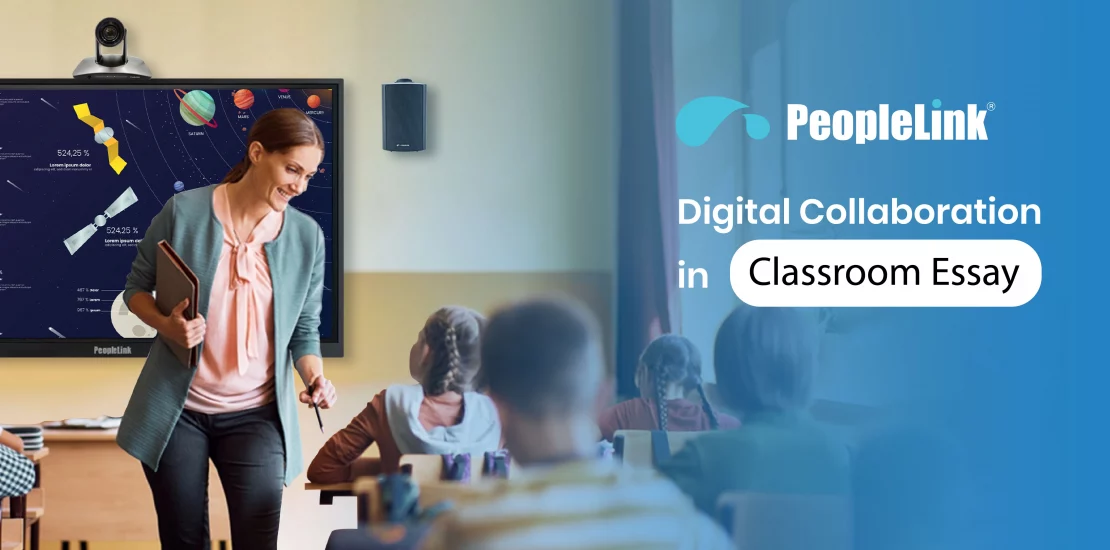
Quick answer: Smart classroom and virtual classroom technology brings interactive displays, tracking cameras, clear audio, and classroom software together so teaching reaches students in the room and at a distance. It matters because it widens access and improves engagement. PeopleLink delivers complete classroom solutions, hardware and the inClass classroom platform, as a single OEM.
In a school district navigating online learning, Susan, a high school math teacher, felt overwhelmed by the multitude of available tools. Seeking clarity, she attended a webinar led by educational technology expert Mark. He emphasized the importance of understanding individual virtual classroom needs and provided key criteria for evaluating tools.
Feeling inspired, Susan took notes and shared insights with her colleagues. Over the next few weeks, she integrated the right technologies into her teaching and collaborated with peers to support their students in adapting to online learning. Together, they turned challenges into engaging educational experiences.
When it comes to understanding the landscape of education today, it’s crucial to recognize the profound impact that technology has had on learning modalities. The shift from traditional classrooms to a more flexible, accessible form of education has been accelerated by advancements in digital communication and online resources. Let’s hop into this blog to explore the concept of choosing the right distance learning solutions.
Modernizing classrooms? Explore PeopleLink’s virtual classroom solutions and education solutions.
Know about the Fundamentals of Distance Learning Technology
Distance learning technology serves as a crucial bridge connecting educators and learners in different physical locations. This connection is facilitated by tools such as Learning Management Systems (LMS), video conferencing software, webcams, and collaboration tools, among others. A discussion of these technologies will follow, so please continue reading. The primary aim of these technologies is to enable learning regardless of geographical distance. Consequently, students can access courses and educational materials from virtually anywhere in the world. Distance learning technology offers significant advantages, including flexibility that allows students to learn at their own pace and on their own schedules. It also provides access to a wider range of courses compared to traditional classrooms and enhances engagement through multimedia and online discussions.
Understanding Your Needs and Goals
Before exploring various technologies, it is crucial to define your specific needs. Engaging in a reflective process by asking fundamental questions will clarify your requirements for distance learning technology. Answering these questions will help narrow your options and guide you in selecting technologies suited to your circumstances. Here are some key questions you can ask yourself:
- Who are my learners, and what are their needs? Think about the age group, technical skills, and learning styles of your students.
- What are my learning objectives? What do you want your students to achieve?
- What technical infrastructure do I have in place? Do you have good internet connectivity and the necessary devices?
Understanding Various Distance Learning Technologies
- Learning Management Systems (LMS): A Learning Management System (LMS) functions as a digital classroom, serving as a centralized platform for organizing course materials, assignments, and assessment results.
- Video Conferencing Tools: Video conferencing tools enable live classes and meetings with students. Key options include all major video conferencing platforms. PeopleLink also offers education-specific solutions with interactive whiteboards and breakout rooms.
- Collaboration & Communication Tools: These tools facilitate collaboration and communication between students and educators, thereby enhancing their ability to remain connected.
- Content Creation Tools: These resources enable the development of engaging instructional lessons and materials.
- Hardware: It is essential to consider the necessary physical tools for effective distance learning. Both students and educators require computers, webcams, microphones, and headphones to facilitate a successful online educational experience.
Key Factors in Distance Technology Selection
- Ease of Use: The technology should be user-friendly for both you and your students.
- Accessibility: Make sure the technology is accessible to students with disabilities.
- Scalability: Can the technology grow with your needs as your courses expand?
- Integration Capabilities: Can the technology work seamlessly with other tools you’re using?
- Cost: Consider your budget and look for affordable options.
- Data Privacy & Security: Protect student data by choosing secure technologies.
How to Evaluate & Choose Technologies?
- Free Trials & Demos: Many companies offer free trials or demos. Take advantage of these to test the technology before you commit.
- Feature Comparison: Make a list of the features you need and compare different options.
- Vendor Selection and Negotiation: Once you’ve narrowed down your choices, contact the vendors to discuss pricing and support.
Conclusion
Selecting the appropriate technology for distance learning is essential for establishing an effective online educational experience. It is important to recognize that technology serves as a tool to enhance the learning process rather than replace it. Therefore, it is imperative to choose wisely and utilize it effectively to foster engaging and impactful distance learning experiences.

Frequently Asked Questions
What makes a classroom a smart classroom?
A smart classroom combines an interactive display, a teacher and student tracking camera, clear room audio, and classroom software for content, capture, and management. Together these support in-person, remote, and recorded learning from one room.
How does technology support distance and hybrid learning?
Tracking cameras and room audio let remote students see and hear the class clearly, while classroom software shares content and records lectures for later review. PeopleLink supplies the cameras, audio, displays, and the inClass platform to enable this.
What does an institution need to start?
Most institutions begin with one or two model classrooms that combine a panel, a tracking camera, and room audio, then repeat that build across rooms and campuses for consistency. PeopleLink supports this phased approach.
| Classroom approach | Smart classroom | Traditional classroom |
|---|---|---|
| Reach | In-room, remote, and recorded | In-room only |
| Content | Digital, shareable, saved | Board and print |
| Lecture capture | Built in with tracking camera | Not available |
| Consistency across campuses | Repeatable standard build | Varies by room |
Ready to upgrade your rooms?
See PeopleLink’s AV and Unified Communications solutions in action, or get pricing built around your needs.